

Open Classroom
EOS announcement
ViewSonic is announcing the official End of Service (EOS) for myViewBoard Classroom, effective December 31, 2025. After this date, the Classroom platform will no longer be accessible or supported.
For more details, refer to the articles below:
FAQ: Classroom End-of-Service information
Classroom EOS 2025 announcement
Important
The EOS date applies globally, with the exception of Taiwan. Users in Taiwan will retain access to myViewBoard Classroom until January 2027.
As Classroom is a browser-based tool, we recommend you using Google Chrome or a Chromium browser such as Edge. Accessing Classroom is simple:
- Go to http://myviewboard.com and sign in with your myViewBoard account.
- On the main screen, press the
 Classroom tile.
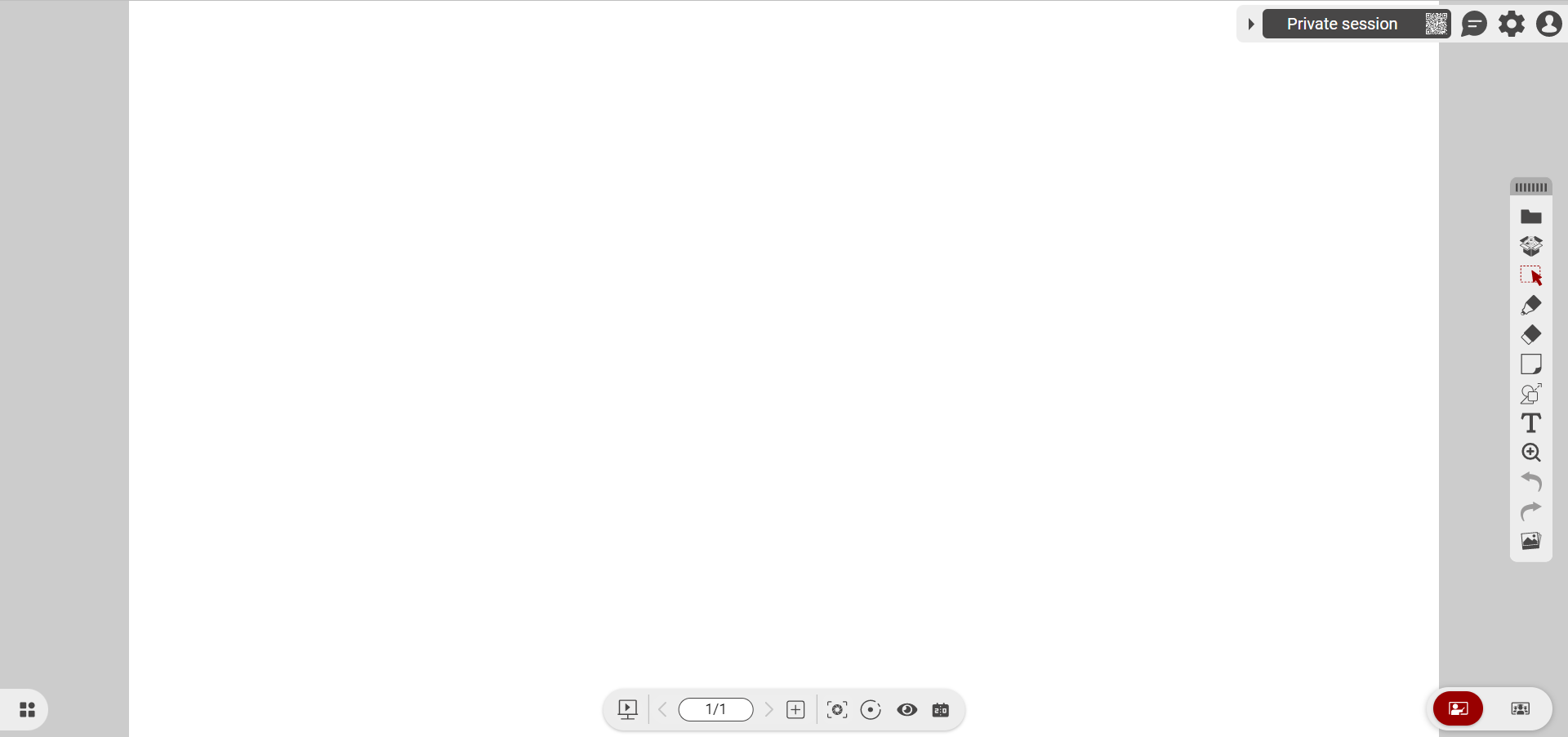 New blank Classroom canvas after opening a new session.
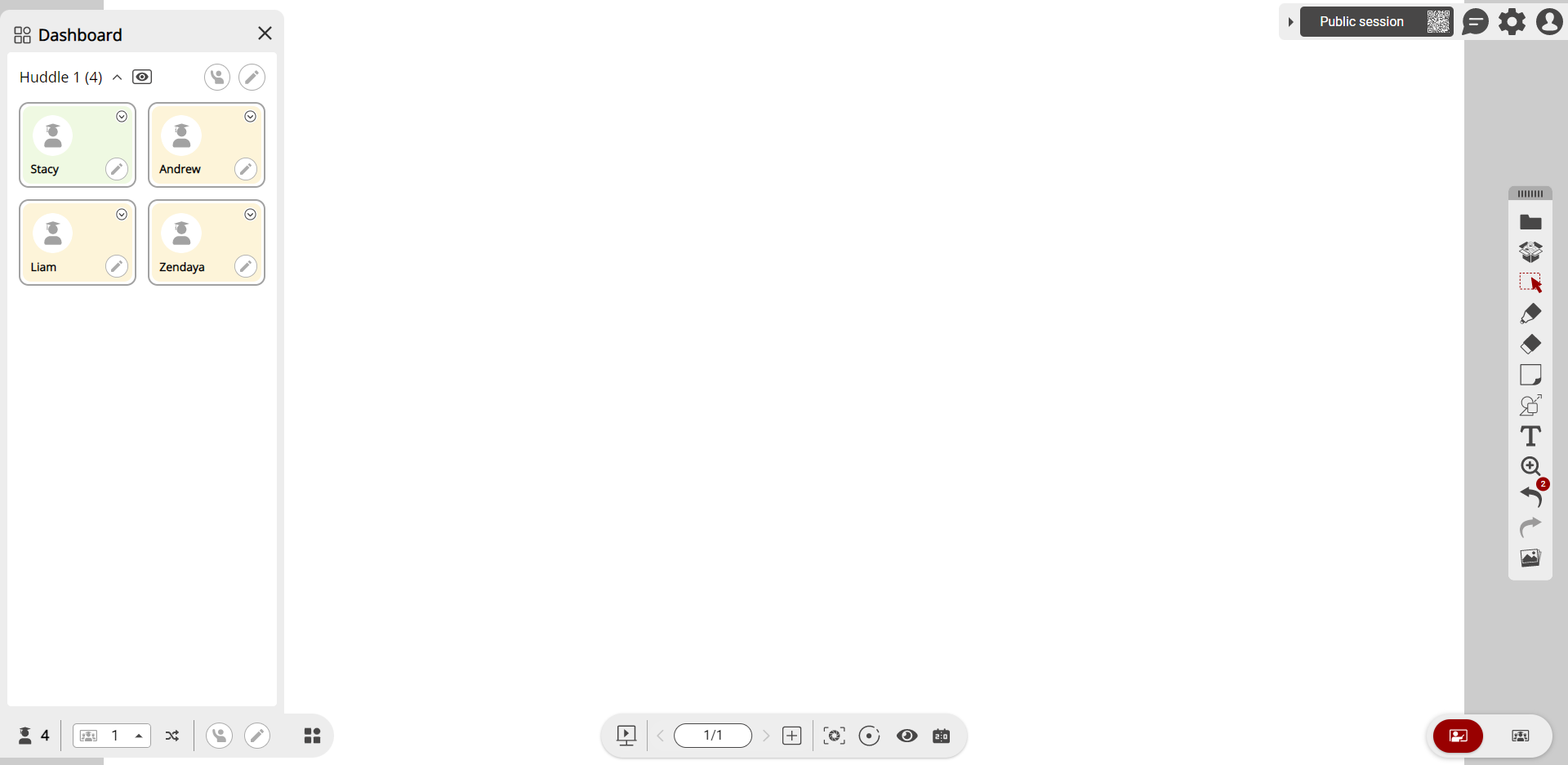 Dashboard view (accessible after pressing
  in the bottom-left corner) open with students in a single huddle.
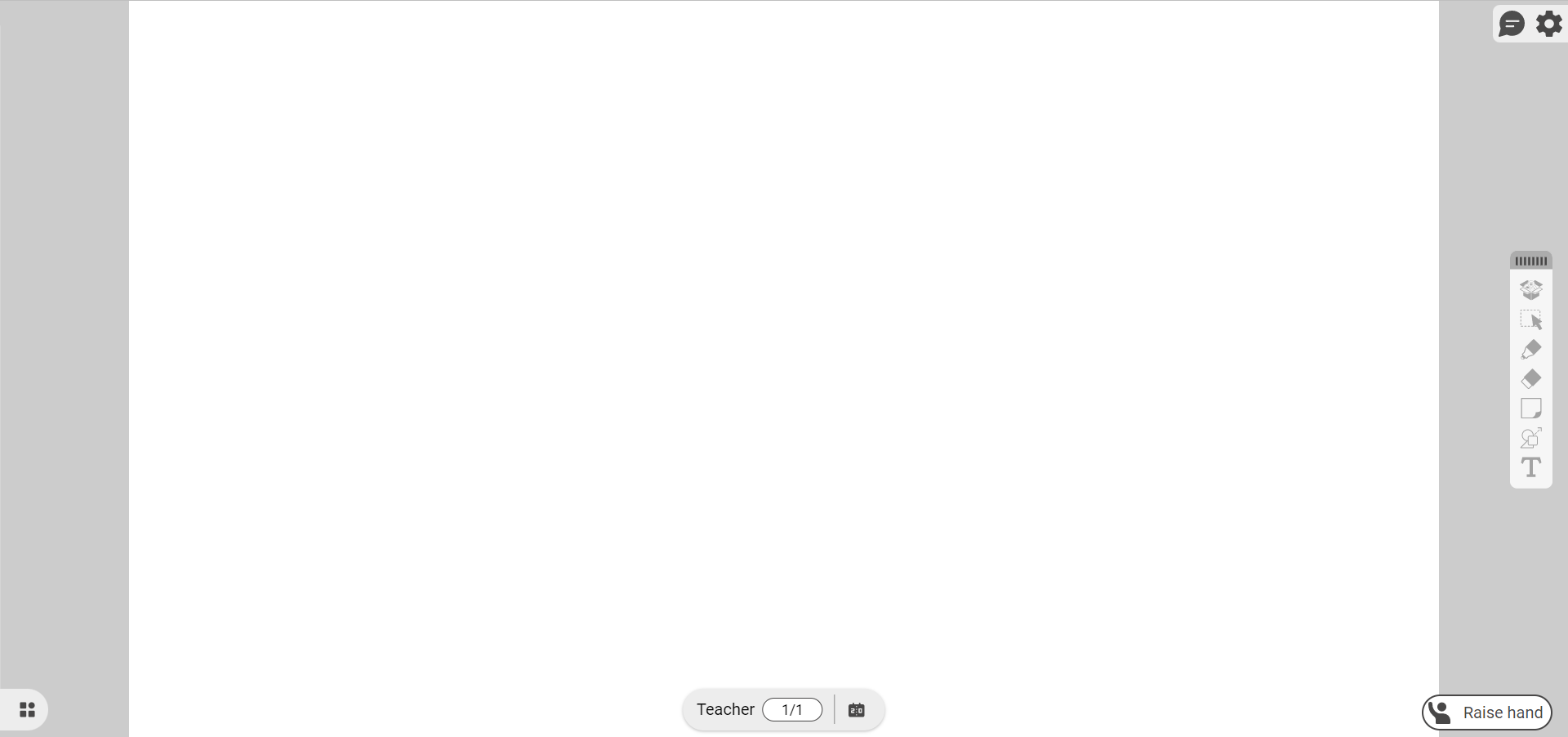 Student canvas view after joining Classroom session.